Explicación del software de radio CHIRP
¿Qué es el software de radio CHIRP?
El software de radio CHIRP es una herramienta gratuita y de código abierto que se utiliza para programar y gestionar radios bidireccionales desde una computadora. En lugar de ingresar manualmente las frecuencias en el dispositivo, los usuarios pueden editar y organizar rápidamente los ajustes a través del software.
Se utiliza ampliamente en radioafición (HAM), sistemas GMRS y configuraciones de comunicación general, especialmente cuando es necesario gestionar múltiples canales de manera eficiente.
Por qué CHIRP es ampliamente utilizado
CHIRP es popular porque simplifica la programación de radios y es compatible con una amplia gama de modelos de radio.
Beneficios clave:
- Gratuito y de código abierto
- Compatible con muchas marcas de radio
- Edición rápida de canales
- Copia de seguridad y restauración sencillas
- Eficiente para configuraciones de múltiples radios
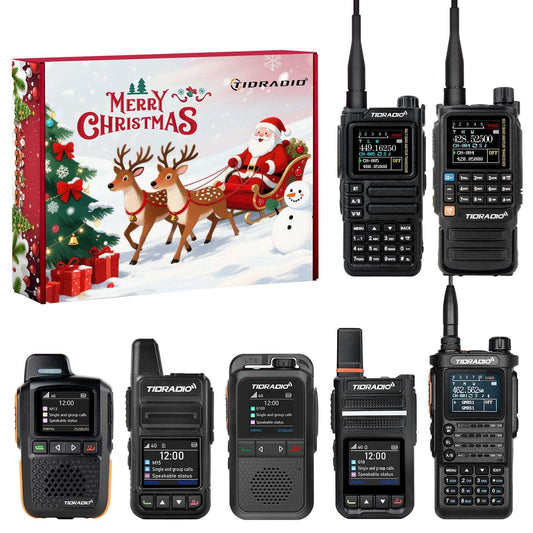
Muchas radios modernas están diseñadas con opciones de programación flexibles. Por ejemplo, modelos como el TD-H9 y el H3 Plus se utilizan comúnmente en configuraciones GMRS, ofreciendo una gestión de canales conveniente y una configuración fluida según el firmware o la compatibilidad con el CPS.
| Característica | TD-H9 (10W APRS) | H3 Plus (5W) |
|---|---|---|
| Potencia de salida | Hasta 10W | Hasta 5W |
| Posicionamiento | GPS integrado + soporte APRS | Sin APRS |
| Conectividad | Bluetooth + accesorios inalámbricos | Bluetooth + accesorios inalámbricos |
| Soporte de frecuencia | Multibanda (incl. recepción de aviación/clima) | HAM/GMRS + recepción NOAA/clima |
| Uso objetivo | Aire libre / largo alcance / usuarios avanzados | Uso diario / principiantes / configuración portátil |
Cómo funciona CHIRP
El flujo de trabajo básico es sencillo y fácil para principiantes:
- Conecte la radio a su computadora
- Abra el software CHIRP
- Lea la configuración actual de la radio
- Edite canales y frecuencias
- Escriba la configuración actualizada de vuelta a la radio
Este proceso hace que la configuración sea mucho más rápida y reduce significativamente los errores de entrada manual.
Qué puede hacer con CHIRP
- Editar y organizar canales
- Clonar configuraciones de radio
- Realizar copias de seguridad y restaurar ajustes
- Gestionar múltiples radios de forma eficiente
Compatibilidad y uso
CHIRP es compatible con muchas radios FM analógicas utilizadas en sistemas HAM y GMRS. Sin embargo, la compatibilidad depende del modelo específico y la versión del firmware.
En el uso real, muchos usuarios combinan CHIRP con el CPS (Software de Programación del Cliente) del fabricante, especialmente cuando trabajan con modelos de radio avanzados o más nuevos.
Por qué es importante CHIRP
- Ahorra tiempo durante la configuración
- Reduce errores de programación
- Estandariza las configuraciones de radio
- Mejora la eficiencia de la comunicación
Conclusión
El software de radio CHIRP es una herramienta sencilla pero potente para programar radios bidireccionales. Mejora la eficiencia, reduce la complejidad de la configuración y hace que la configuración de la radio sea más fácil tanto para principiantes como para usuarios experimentados.