Why Firmware Upgrade Fails on GMRS Radios (Common Causes Explained)
Firmware updates are designed to improve performance, fix bugs, and add new features to GMRS radios. However, many users experience upgrade failures such as devices not being detected, freezing during update, or becoming unresponsive after flashing.
In most cases, the radio is not damaged. The issue usually comes from incorrect procedures, unstable connections, or incompatible firmware handling.
⚡ Quick Answer: Why Firmware Upgrades Fail
Firmware upgrade failures on GMRS radios are usually caused by:
- Incorrect firmware selection or mismatch
- Improper connection sequence
- USB cable, hub, or driver issues
- Interrupted upgrade process
- System compatibility problems
Most failures are not hardware-related and can usually be resolved by correcting the upgrade procedure.
🔴 1. Firmware Mismatch (Most Critical Issue)
One of the most common causes of upgrade failure is using incompatible firmware.
Even if radios look similar or share similar features, firmware is often not interchangeable between models or revisions.
When incorrect firmware is installed, the radio may:
- Fail to boot
- Version incompatibility message
👉 This often happens when users mix firmware between similar devices or download firmware from unofficial sources.
⚠️ 2. Symptoms of Firmware Upgrade Failure
If an upgrade fails, you may notice:
- Device not detected by upgrade tool
- Stuck on boot screen
- Blank or frozen display
- Upgrade process stops midway
- Communication timeout errors
These symptoms usually indicate a software or connection issue rather than hardware damage.
⚙️ 3. Other Common Technical Causes
3.1 USB Cable, Hub, or Connection Issues
- Using a charge-only cable instead of a data cable
- Using a low-quality or multi-head USB cable that cannot maintain stable data transmission
- Connecting through USB hubs or docking stations that reduce signal stability
- Loose or unstable USB port connection
👉 These issues can cause device not being recognized, random disconnections, or firmware flashing failure.
3.2 Driver or System Problems (Windows)
- Missing or incorrect USB drivers
- COM port not recognized
- Device detection timeout issues
- Older Windows systems failing to initialize drivers properly
3.3 Interrupted Upgrade Process
- Device battery too low
- Cable disconnected during flashing
- Computer entering sleep mode
3.4 Incorrect Upgrade Mode
Many GMRS radios require entering a specific firmware upgrade (bootloader) mode before connecting. Skipping this step is one of the most common reasons for upgrade failure.
🛠️ 4. Firmware Upgrade Checklist (Critical Steps)
If you are experiencing issues during firmware upgrade, follow these steps carefully. Many failures are caused by incorrect connection order.
✔️ Correct procedure:
-
Connect the USB cable to your computer first.
This ensures the system properly initializes the connection. -
Enter the radio’s firmware upgrade (bootloader) mode.
Make sure the device is fully in upgrade-ready state. -
Connect the USB cable to the radio.
Only connect the device after entering upgrade mode.
⚠️ Important warning:
Connecting the cable to the radio before entering upgrade mode may cause:
- Device detection failure
- Interrupted firmware flashing
- Upgrade tool timeout
🔌 Cable requirements:
For best results, always use:
- The original USB cable provided with the device, or
- A branded CH340 programming cable
⚠️ Avoid using low-quality or multi-head USB cables, as unstable data transmission may lead to:
- Device not being recognized
- Upgrade failure
- Intermittent connection issues during flashing
💻 System recommendation:
We recommend using a modern Windows system. Older operating systems may experience:
- Driver recognition delays
- COM port timeout issues
- Failed upgrade completion
🧠 5. How to Prevent Firmware Upgrade Failure
- Always verify correct firmware before flashing
- Use a stable USB port
- Fully charge the device before upgrading
- Avoid USB hubs, docking stations, or multi-head cables
- Follow the correct upgrade sequence strictly
🧩 6. Example Case: Similar Model Confusion
In some cases, users upgrading radios from similar product lines may experience issues when firmware versions are mixed or incorrectly selected.
This is common in multi-model ecosystems where upgrade tools support multiple devices.
👉 For example, some users of TD-series radios may encounter issues if firmware versions are not carefully matched.
📡 7. Stable Usage Recommendation
For users relying on GMRS radios in real-world environments such as outdoor teams, logistics, or field operations, firmware stability is critical.
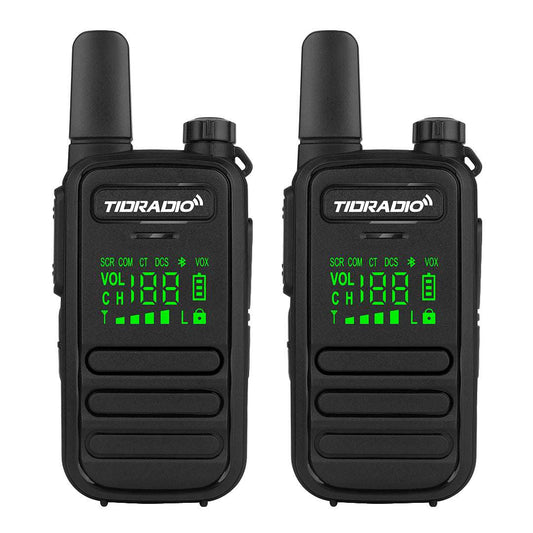
Modern GMRS handheld radios (for example TD-H84 / H9 series devices) should always be updated carefully to avoid downtime and communication interruption.
🧾 Conclusion
Firmware upgrade failures on GMRS radios are rarely caused by hardware defects. In most cases, they are the result of:
- Incorrect firmware selection
- Improper connection sequence
- USB cable, hub, or driver issues
- System compatibility limitations
- Interrupted upgrade process
Following the correct procedure and using stable, high-quality connection equipment significantly improves upgrade success rates.